Bring contentinto large-scalefree-roam VR
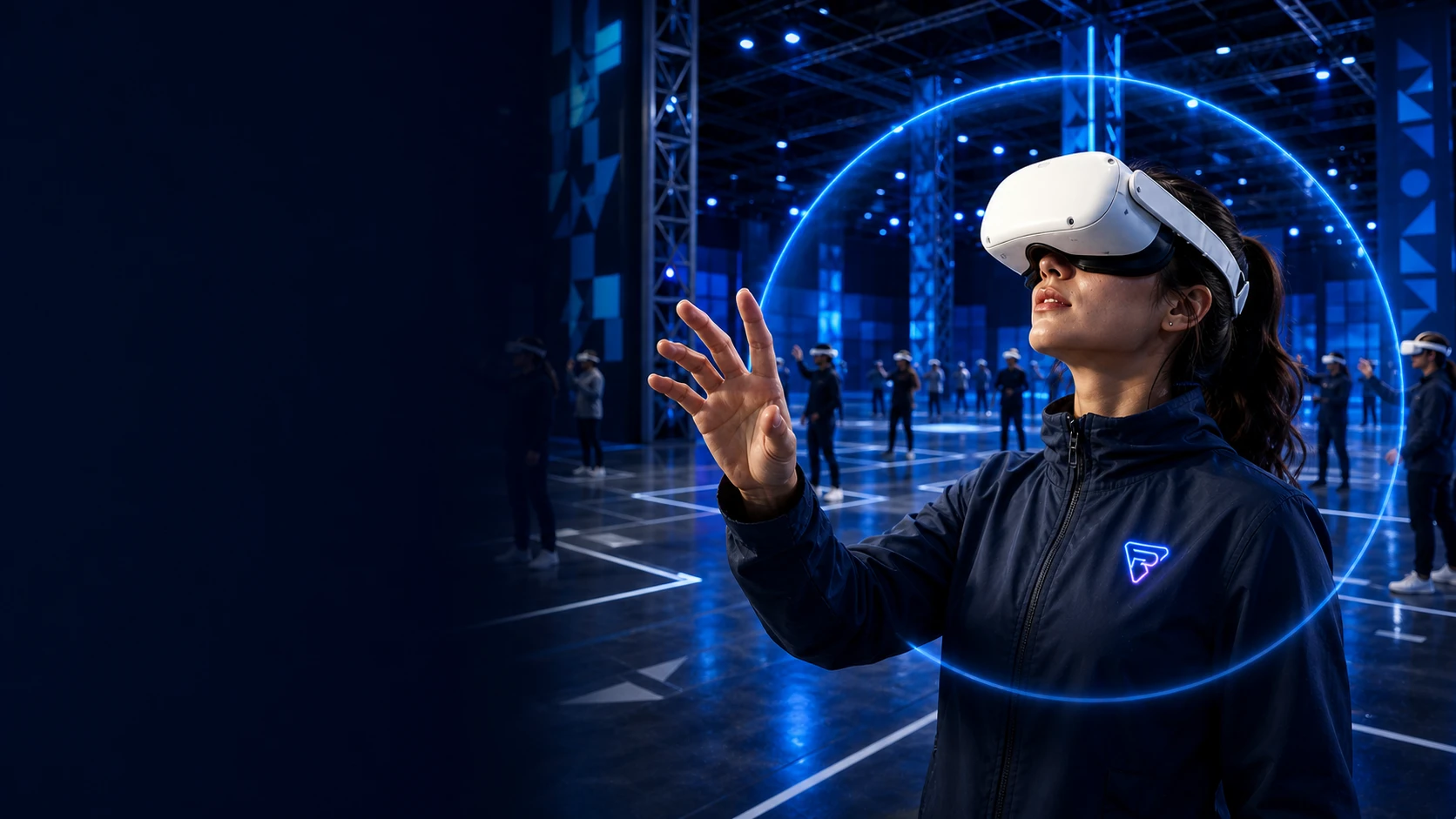
Connect content production, multiplayer networking, and venue deployment with Unity and Unreal plugins, an SDK, in-house positioning, and a complete venue toolchain. Your team creates; the platform handles the rest.
- 100+
devices managed online
- Dual engine
Unreal + Unity
- Full flow
Map, validate, deploy

ENGINE BRIDGE
One bridge, two engines
SPATIAL CORE
Venue-scale positioning

The bridge between content teams and the platform
Multi-user networking, position sync, session control, and data services are handled by the platform layers. Studio packages these capabilities as an in-engine plugin, SDK, and tools, so third-party content goes live in FreeRoam venues without rewriting networking or positioning logic.
Networking and sync
Multi-user networking and position sync run on the platform server layer. Content simply subscribes to events, with no custom networking to build.
Spatial positioning
Positioning modes are chosen per venue. Switching or mixing modes never requires content code changes.
Assets and tools
The Galaxy asset library and dev tools integrate directly into the engine editor, so the workflow never leaves familiar ground.
Spatial positioning, more than one choice
In-house positioning technology with two modes that work standalone or mixed within one venue, without rewriting content, and the headset experience stays the same. Mapping works indoors and outdoors, with map validation and deployment backed by a complete toolchain and documented specs.
Markerless SLAM
Positions from natural environment features with zero markers to install. The scene art itself becomes the positioning features.
ArUco SLAM
Marker-assisted positioning with stable, controllable precision. Sizing guides cover venues from roughly 2x2 m to 40x40 m.
ArUco + Markerless Hybrid
Both modes in one venue: open areas position from environment features, while key paths and interaction hotspots are reinforced with markers, combining the strengths of both.
Best for fast rollouts and venues with high art requirements
Dual-engine development integration
Native workflows for both Unreal and Unity, with a lean API surface for fast onboarding.

Unreal Engine
- Full Blueprint workflow, no C++ required
- Built-in JSON utilities and system events
- Mainstream XR platform support

Unity
- C# API with a lean, singleton entry point
- OpenXR workflow
- Sample project and full developer docs
Built-in toolchain
From assets and art to localization, the tools you need during development integrate directly into the engine and workflow, with no juggling between systems.
Galaxy asset management
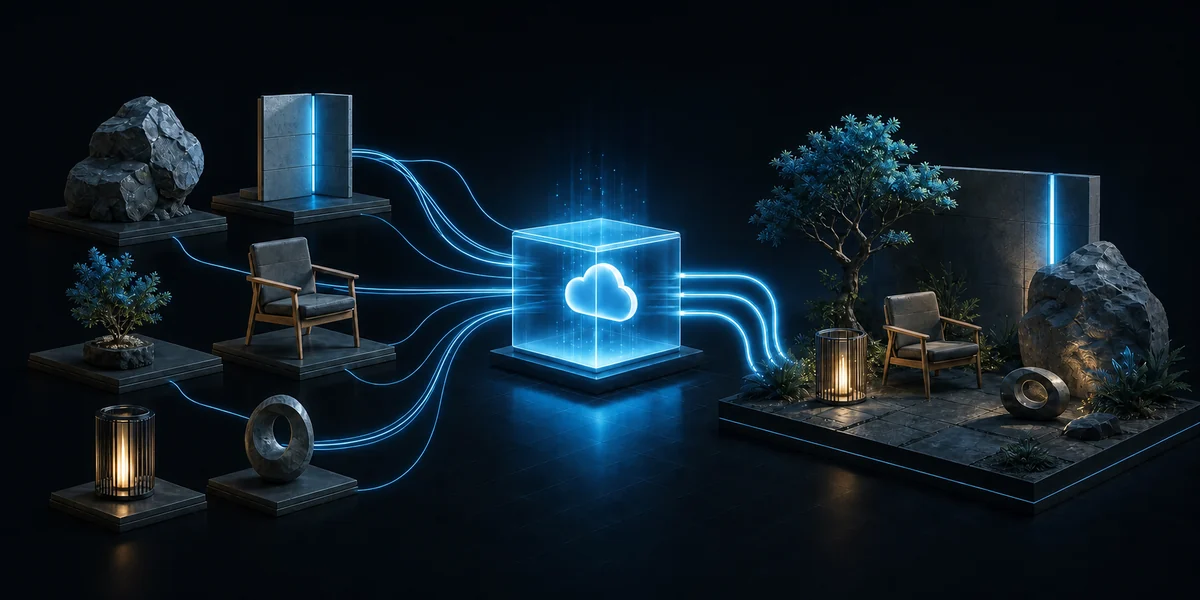
Connect to the cloud asset library inside the editor to search, download, and auto-import 3D assets. Categories, versions, and licensing are managed centrally, so the whole team shares one asset source and scene assembly never waits on file handoffs.
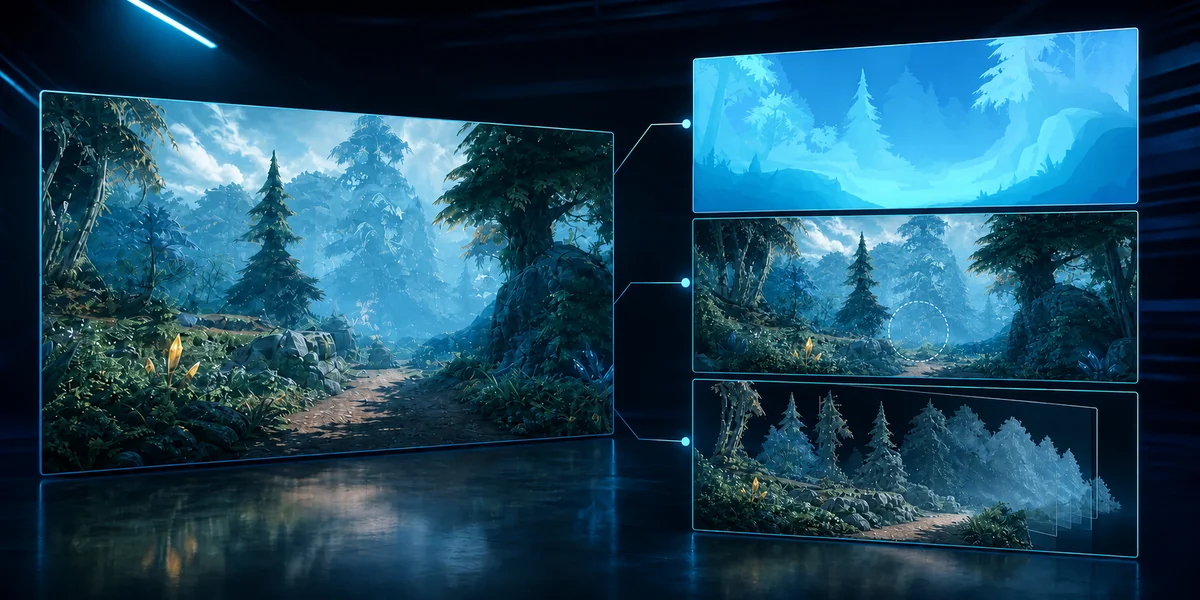
Moonshine Engine - AI Creator Tools
AI-assisted dev panel: text-to-scene backgrounds, panoramic depth maps, object removal, and image slicing. Early concept and art iteration gets dramatically faster, leaving more time to polish the core experience.
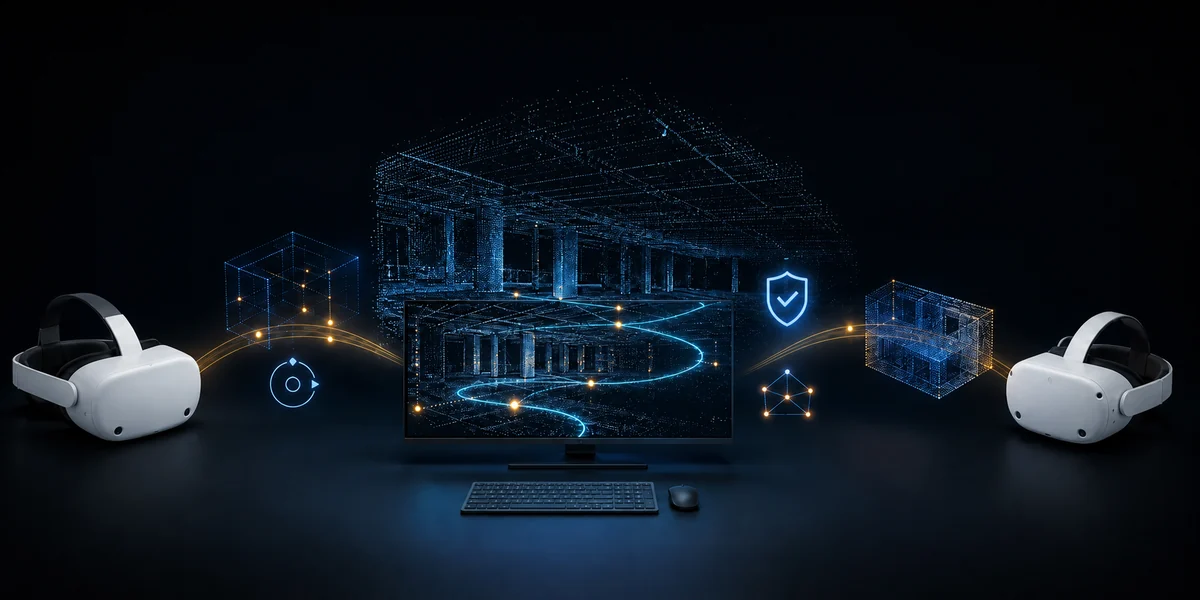
Scene and map tools
Venue mapping, map inspection, and quality validation in one place. Maps push directly to headsets, and feature quality comes with visual checks, so venue onboarding never relies on guesswork.
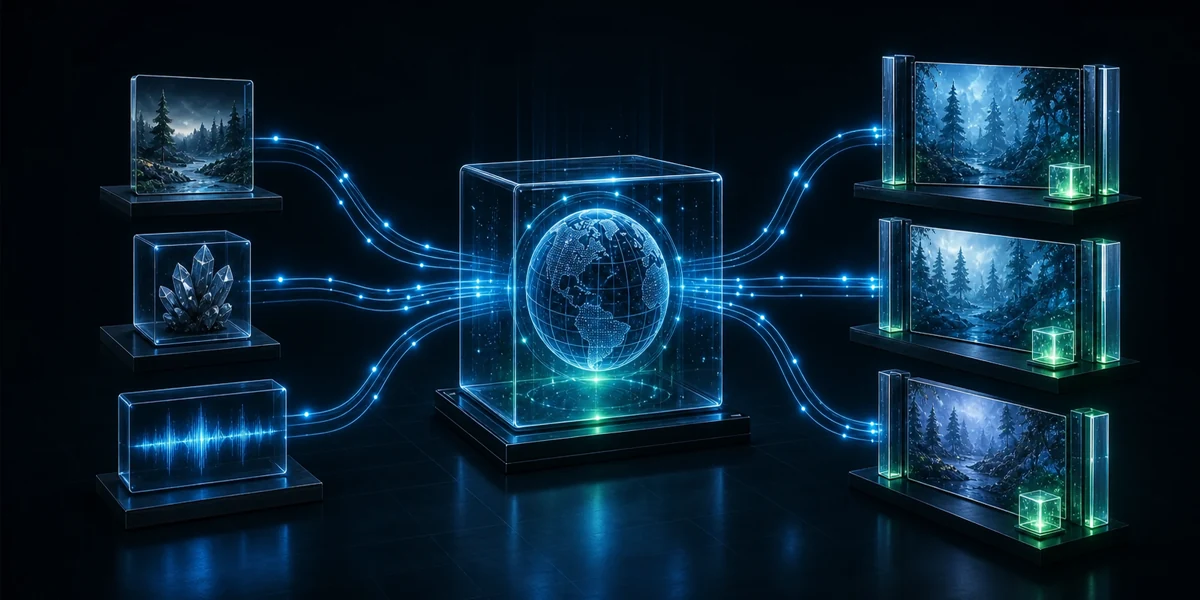
Localization and content onboarding
Multi-language content structure and onboarding support to localize existing content fast. From asset preparation and integration to launch validation, the onboarding service walks alongside your team to shorten time to venue.
Four steps to launch content
From engine integration to venue launch, every step is backed by tools and documentation.
Engine integration
- Import the plugin and SDK
- Wire up networking and positioning
- Start from the sample project
Venue mapping
- On-site recording and mapping
- Positioning mode setup
- Push maps to devices
Validation and tuning
- Positioning accuracy checks
- Multi-user sync testing
- Performance and experience tuning
Launch and operations
- Content deployment and session integration
- Operations monitoring handoff
- Ongoing update support
Ready to bring your content into a venue?
Tell us about your content and target venue, and we will provide an integration assessment and demo arrangement.